| Français | ← Table of Contents |
19. Preferences
The Preferences tab (opened from the main application menu) is divided into 5 hot-configurable sub-tabs:
1. General (Appearance & Behavior)
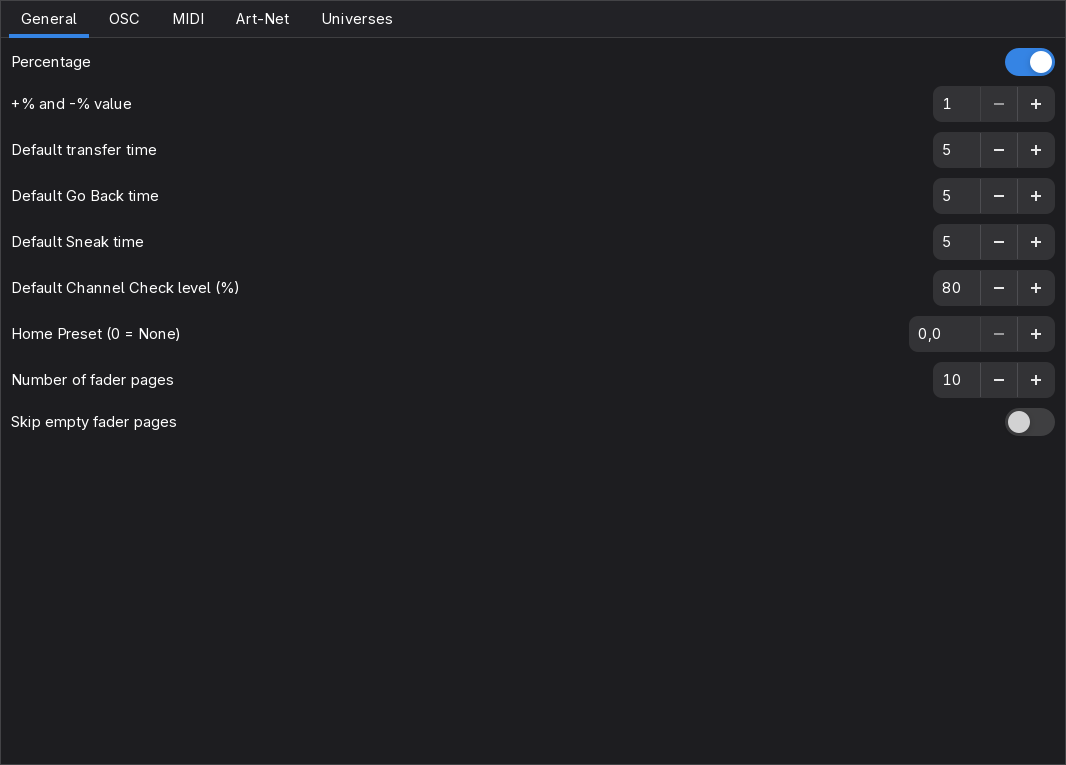
Percentage: switches intensity readouts between percentage (0..100 %/F) and raw DMX (0..255).+ % and - % value: step increment used by+%/-%(Ctrl+Up/Ctrl+Down, default5 %in schema).Default transfer time: default cue fade duration (5.0 s).Default Go Back time: duration of manualGoBacktransitions (2.0 sschema default).Default Sneak time: defaultSneakrelease duration (5.0 s).Default Channel Check level (%): intensity applied byCHECKwhen no explicit level is typed (80 %default).Home Preset (0 = None): optionalPresetnumber used as the home state (0.0for none).Number of fader pages: hot-resizable total count of fader pages.Skip empty fader pages: automatically skips unassigned fader pages onPage+/Page-.
2. OSC
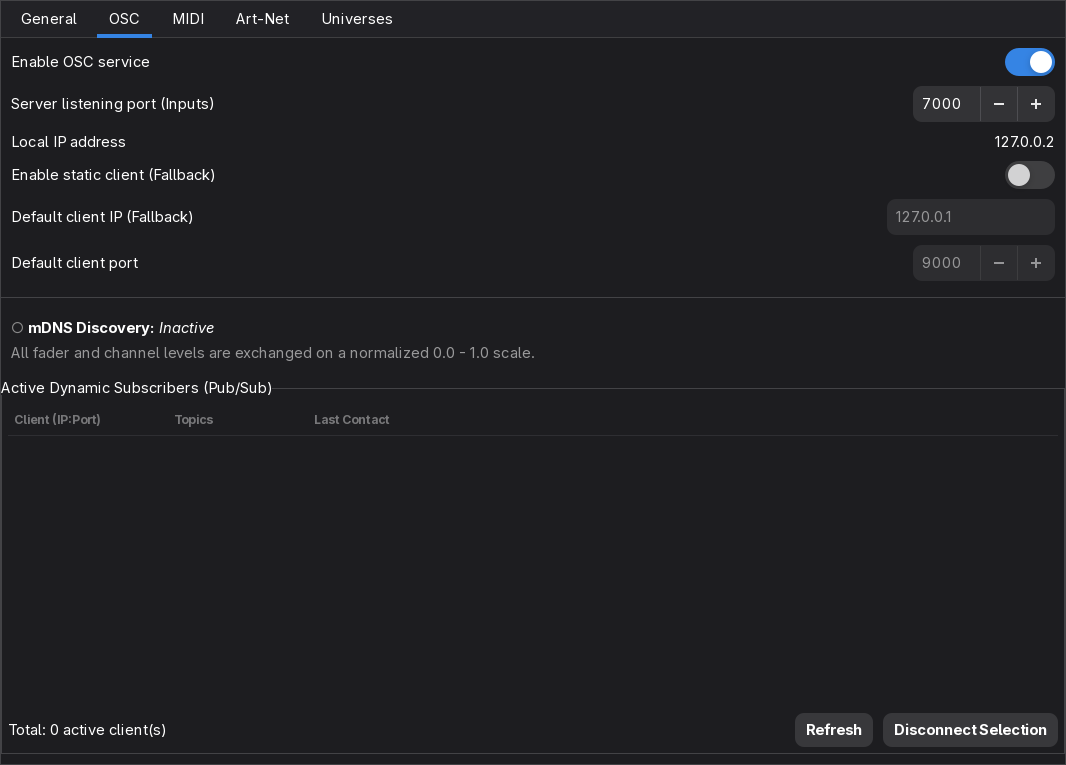
Configures the bidirectional OSC server listening port (7000), optional fallback static client (127.0.0.1:9000), mDNS / OSCQuery discovery, and live Active Dynamic Subscribers (Pub/Sub) management (Refresh, Disconnect Selection). See 21. OSC, OSCQuery & TouchOSC.
3. MIDI
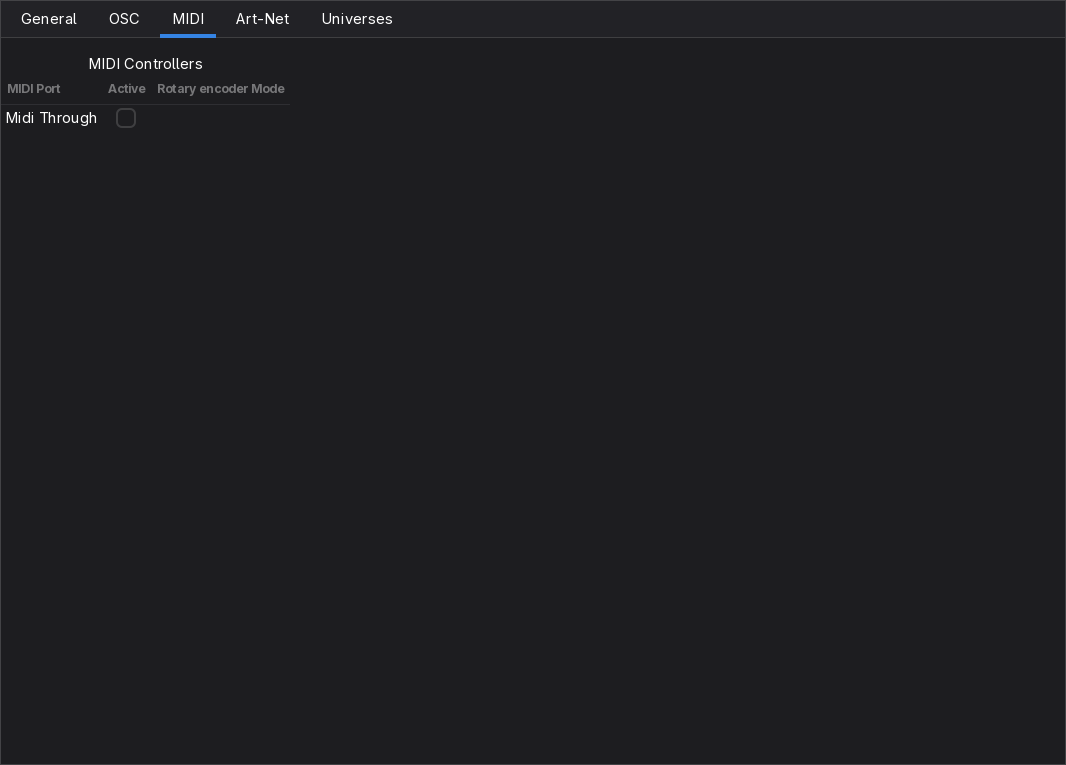
Lists available MIDI ports with Active toggles and per-port Rotary encoder Mode selection (Relative 1, Relative 2, Mackie, Absolute). See 20. MIDI & Mackie Control Surfaces.
4. Art-Net
Discovers local Art-Net nodes via ArtPoll / ArtPollReply and inspects reported node information.
5. Universes (DMX Outputs)
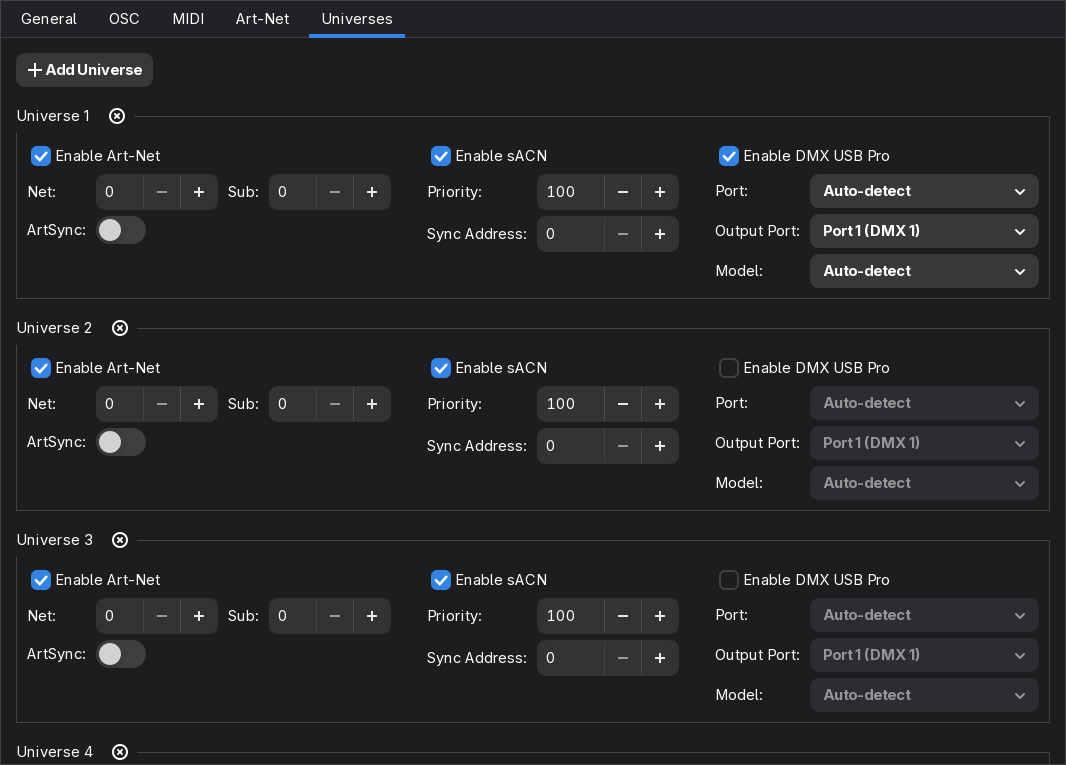
Click + Add Universe to add DMX universes dynamically (click a universe’s close icon to remove it):
- Art-Net: enable per universe with
Net,Sub, andArtSynccontrols. - sACN (E1.31): enable per universe with
Priority(default100) andSync Address. - Enttec DMX USB Pro / Mk2: enable USB DMX interface with
Auto-detectserial port,Output Port(Port 1 (DMX 1), …), andModelselection.
Previous: 18. Undo History — Next: 20. MIDI & Mackie Control Surfaces →